
IVEDITOR
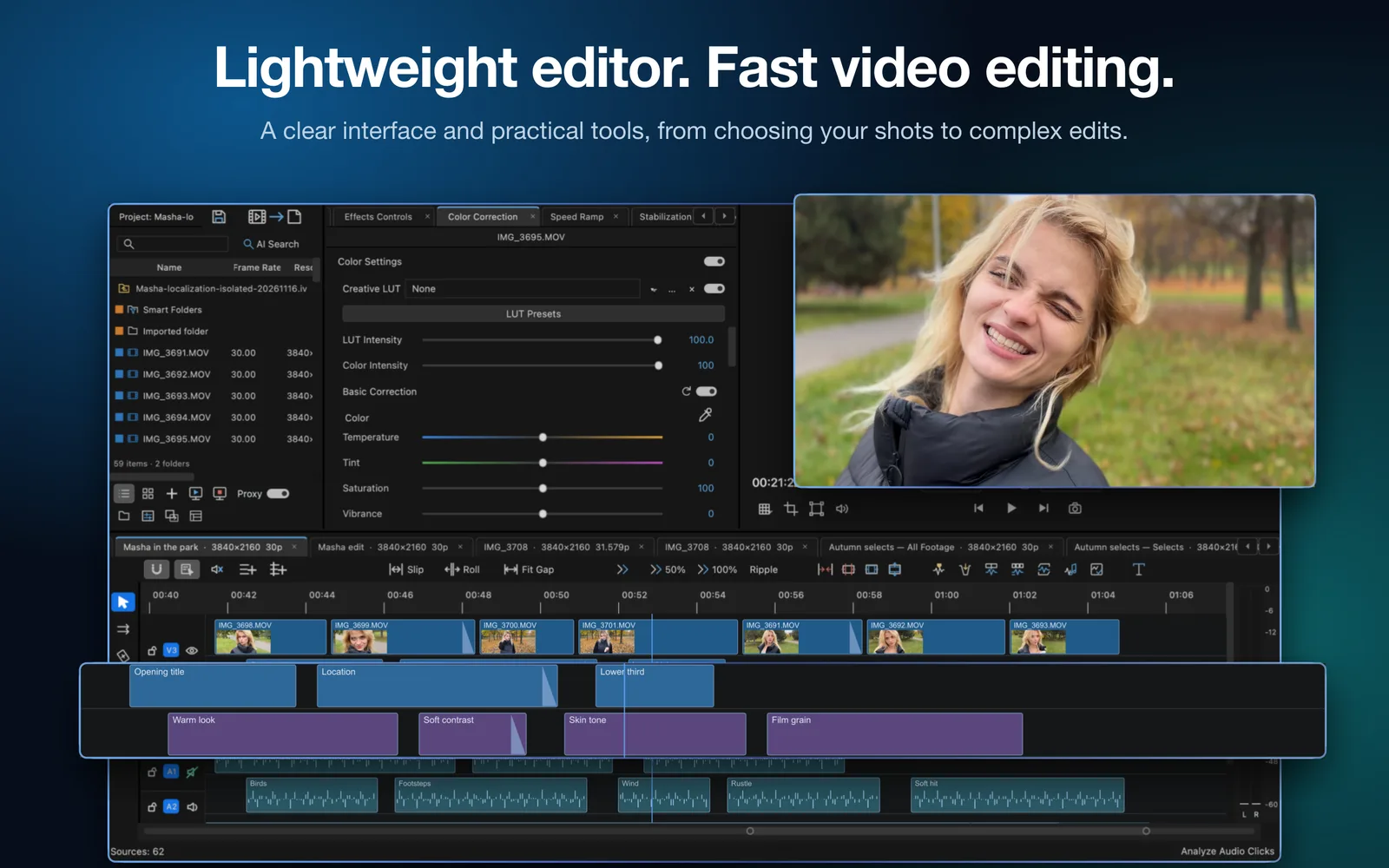
Lightweight editor. Fast video editing.
A clear interface and practical tools, from choosing your shots to complex edits.
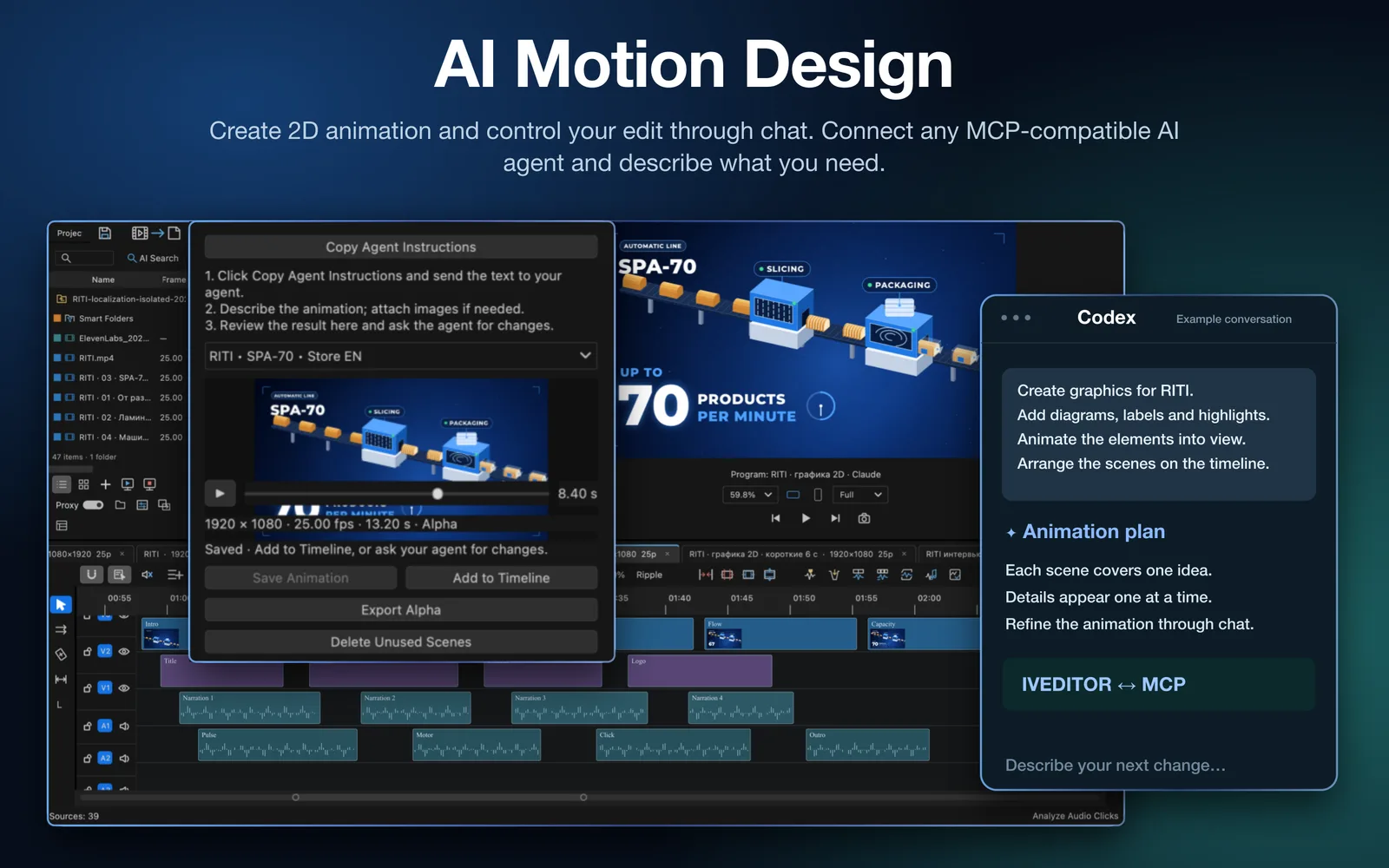
AI Motion Design
Create 2D animation and control your edit through chat. Connect any MCP-compatible AI agent and describe what you need.
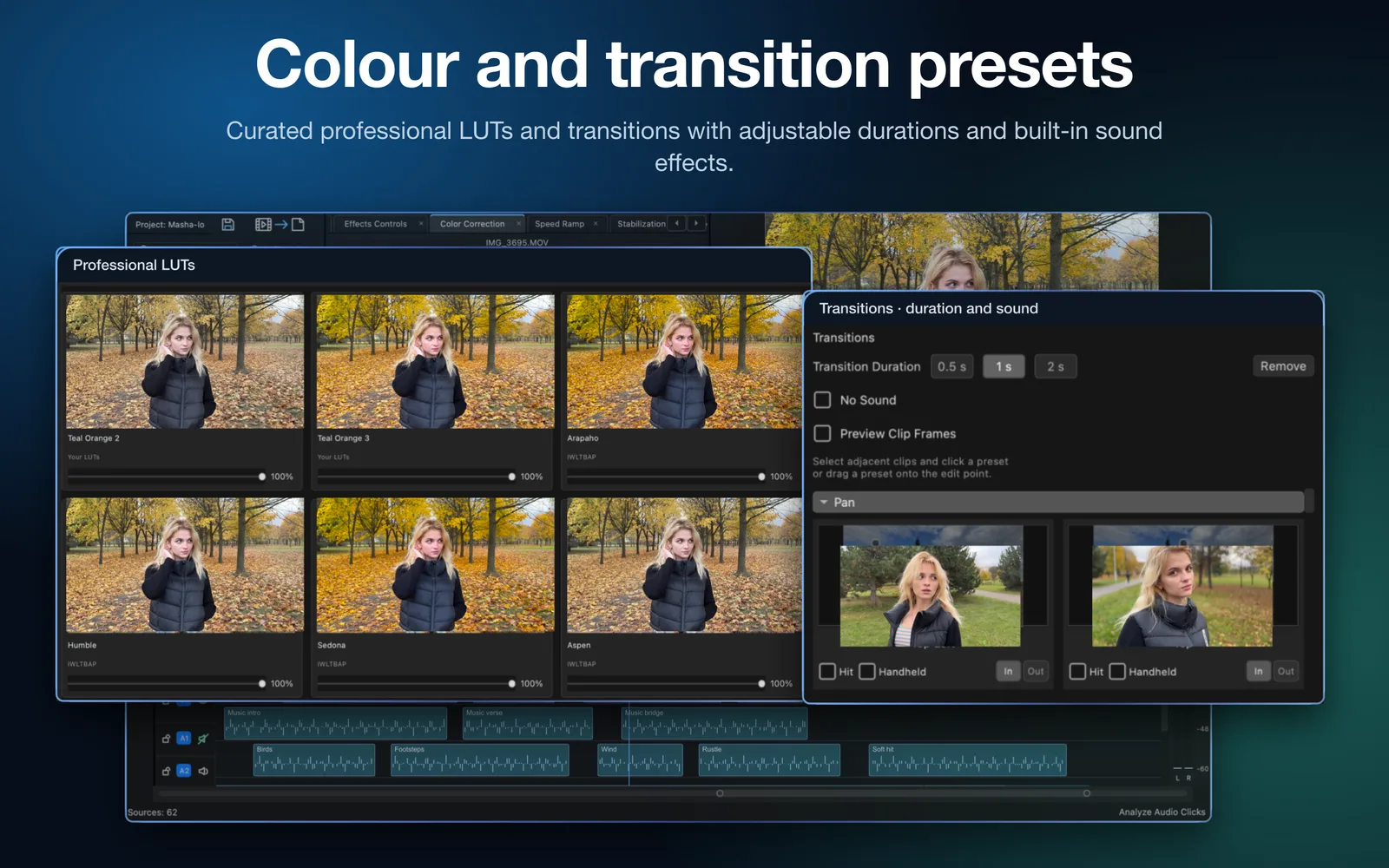
Colour and transition presets
Curated professional LUTs and transitions with adjustable durations and built-in sound effects.
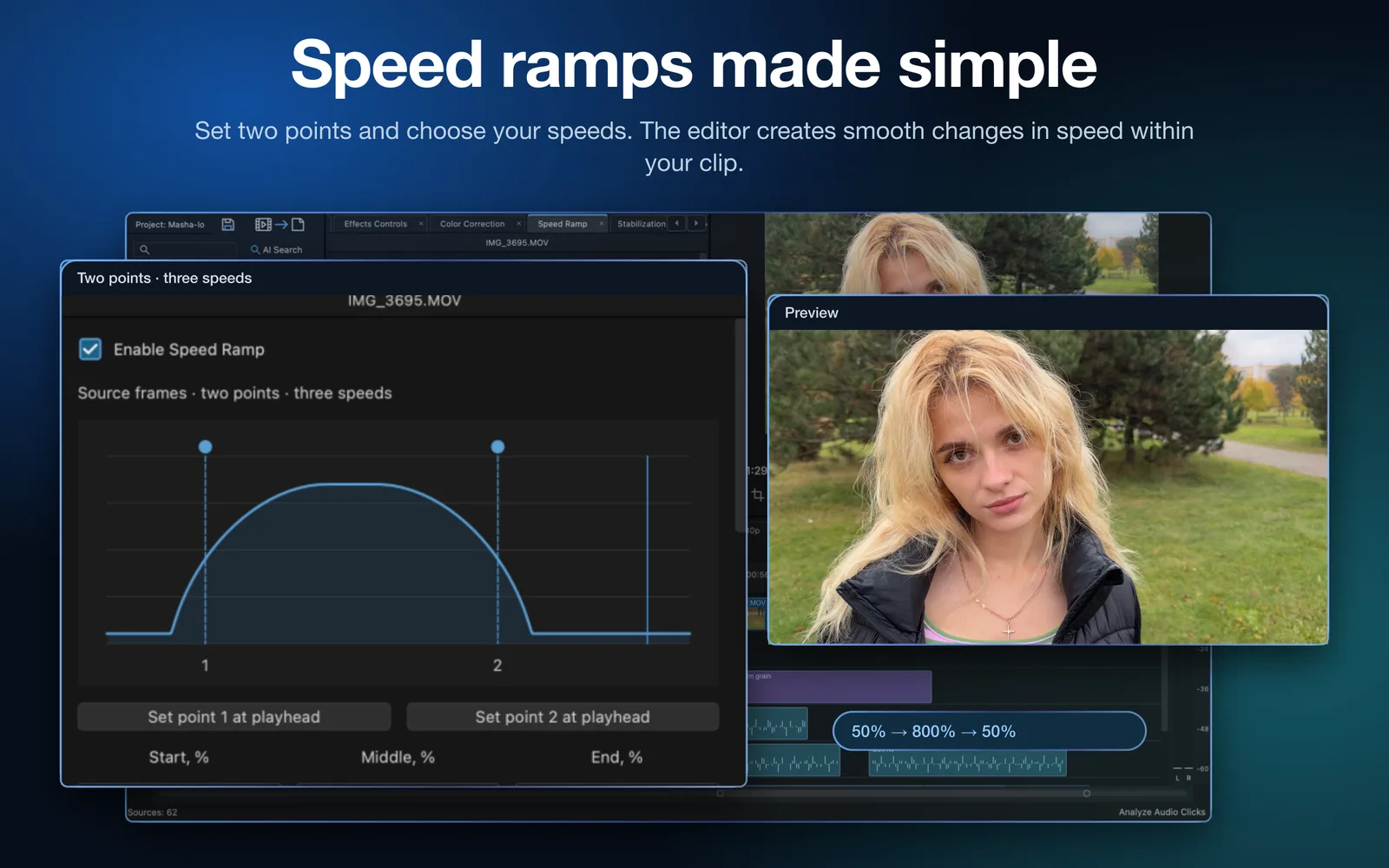
Speed ramps made simple
Set two points and choose your speeds. The editor creates smooth changes in speed within your clip.
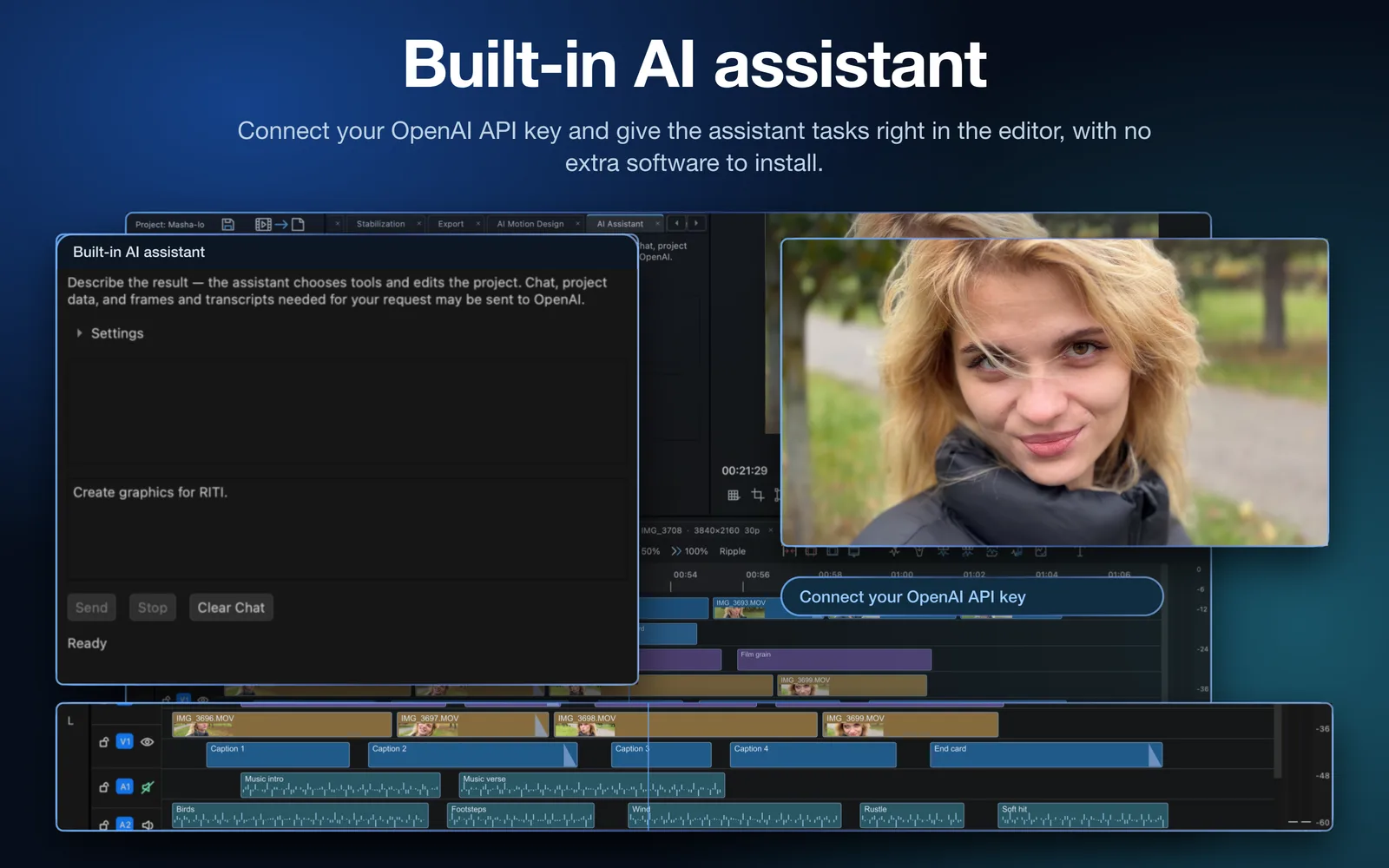
Built-in AI assistant
Connect your OpenAI API key and give the assistant tasks right in the editor, with no extra software to install.
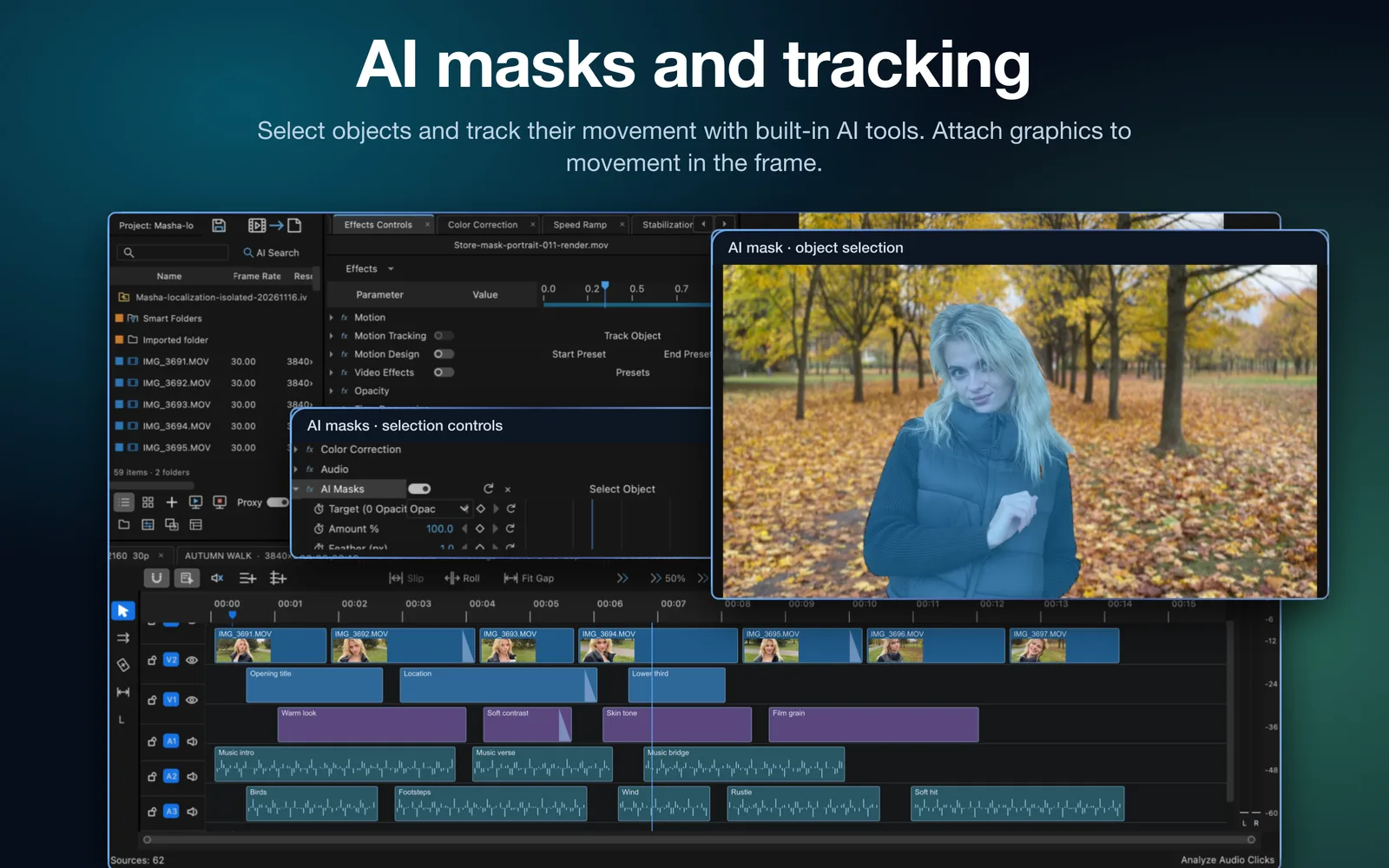
AI masks and tracking
Select objects and track their movement with built-in AI tools. Attach graphics to movement in the frame.
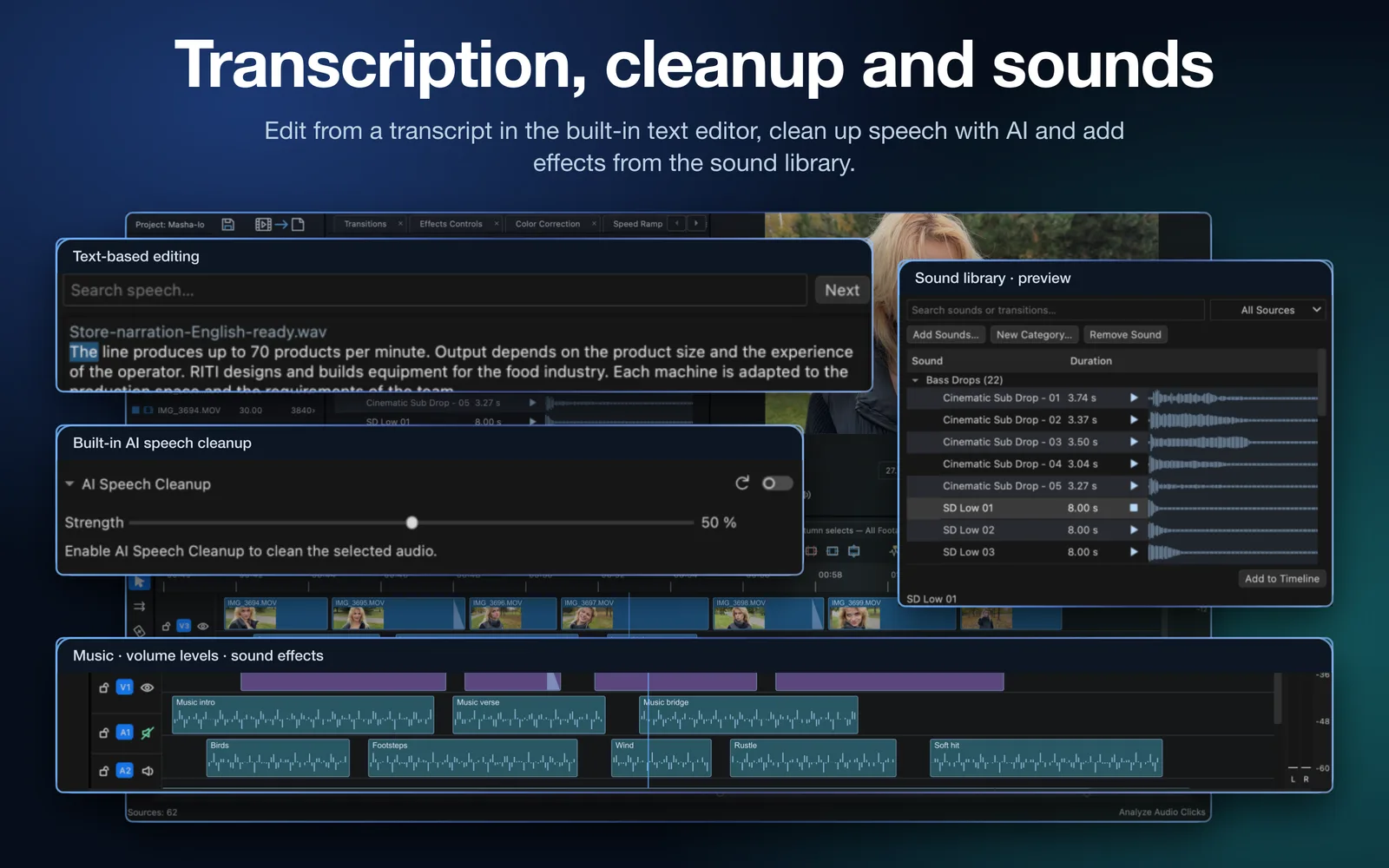
Transcription, cleanup and sounds
Edit from a transcript in the built-in text editor, clean up speech with AI and add effects from the sound library.
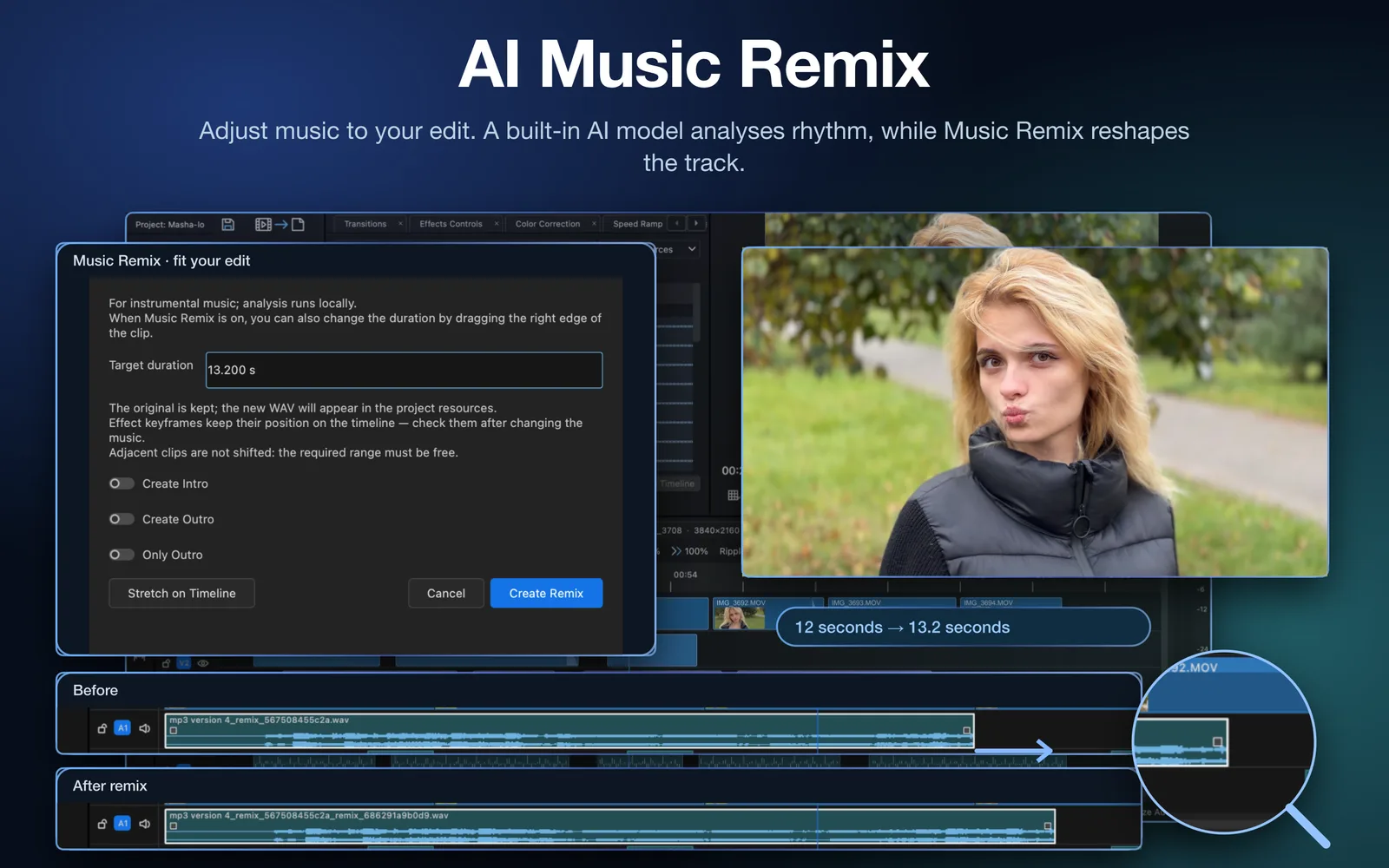
AI Music Remix
Adjust music to your edit. A built-in AI model analyses rhythm, while Music Remix reshapes the track.
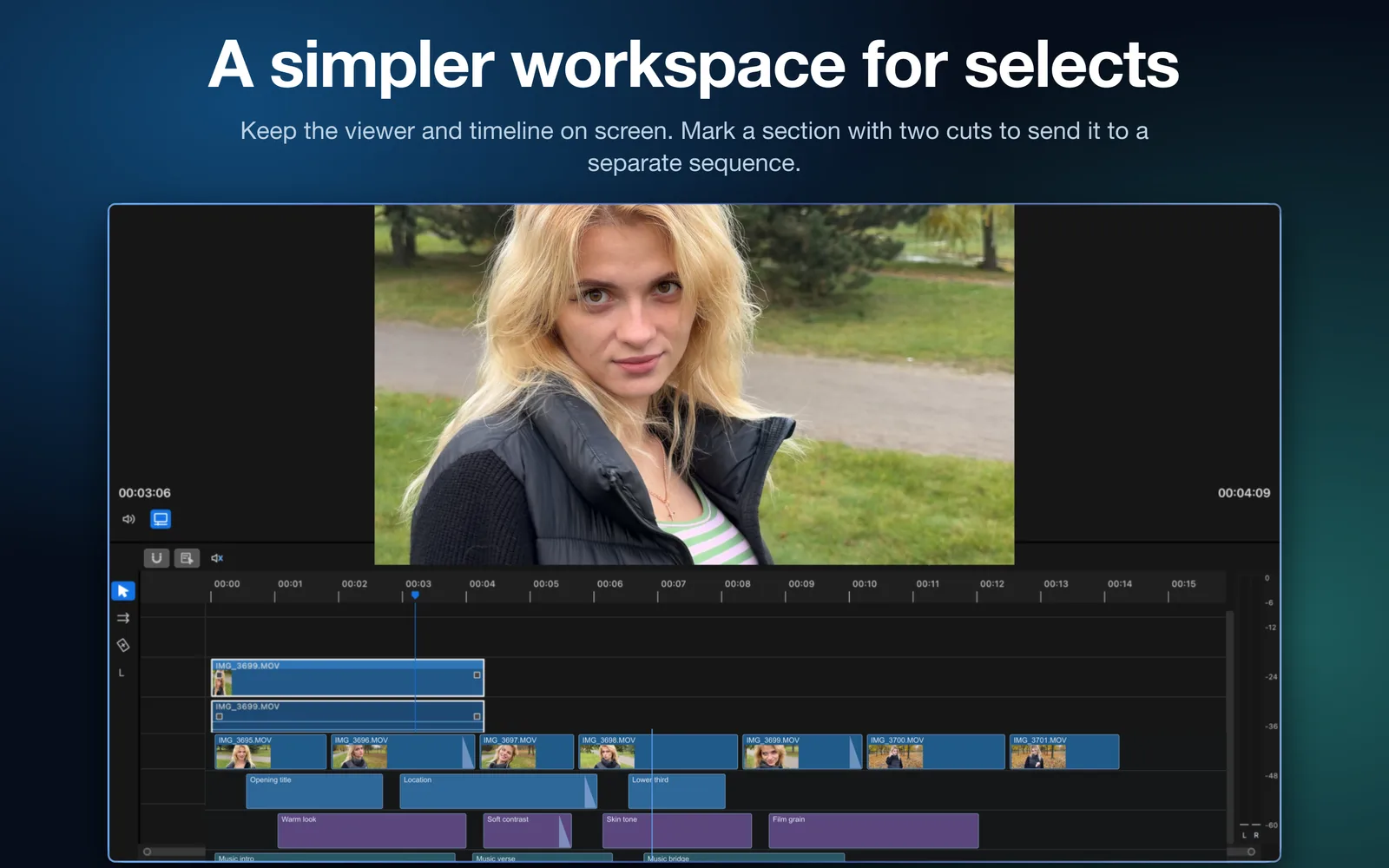
A simpler workspace for selects
Keep the viewer and timeline on screen. Mark a section with two cuts to send it to a separate sequence.
Auto selects, reading time and stabilization
Features
Your AI agent or the built-in AI assistant
Connect an external agent that supports MCP, or enter your OpenAI API key to work in the built-in chat without additional software. Both use the same set of editor tools, from selecting footage and editing to colour, sound, masks, animation and export. The built-in assistant includes project memory, reusable skills and a token counter.
AI Motion Design
Create 2D animation, intros, titles and graphics through chat. Preview the result, request changes and add compositions to your timeline. Export the animation itself as ProRes 4444 with transparency.
Colour and transitions
Preview a curated selection of professional LUTs on your footage and adjust their strength. Use input and creative LUTs, colour wheels, curves, a white-balance eyedropper, reference-based colour matching and Blackmagic RAW controls. Choose transition presets with adjustable durations, including presets with sound effects.
Speed and animation
Speed ramps, slow motion, fast motion, reverse and rate stretching by dragging a clip edge. Animate position, scale and crop directly in the viewer with automatic keyframes. Bézier curves, motion blur, entrance and exit presets, and copyable effects.
Masks and tracking
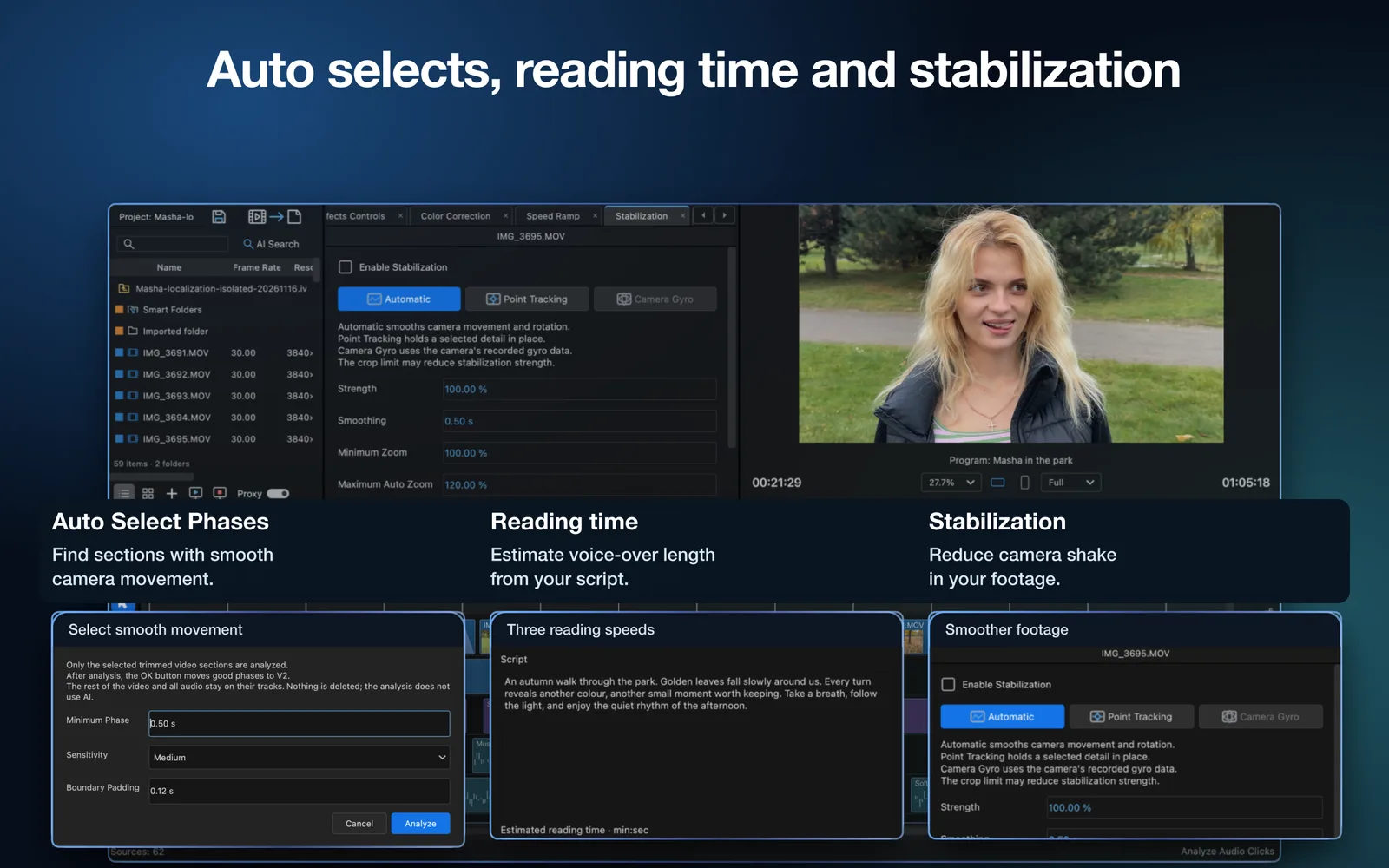
Built-in AI tools select an object with a click and track it through a clip. Manual masks, feathering and mask tracking. Attach graphics to a moving point; blur and grade backgrounds using depth. Camera stabilization, point tracking and gyro stabilization for supported BRAW footage.
Speech and audio
Local transcription and editing in the built-in text editor: search, jump to words, cut selected text from the video, remove detected pauses and fillers, and create editable subtitles. Built-in AI speech cleanup, noise reduction from a sample, EQ, independent channel controls and volume keyframes. A sound library with categories, search and preview; audio-edit checks.
Music
Built-in AI Music Remix adjusts the length of instrumental music. Fit clips to music or refit edit points to a new track. Detect beats, animate to rhythm or audio levels, and automatically lower music under speech.
Selecting footage and editing
A simplified workspace for selecting footage. Auto Select Phases finds smooth camera movements and places those sections on a separate track. Person search, scene detection, smart folders and alternate takes. Multitrack editing, group trimming, slip and rolling edits, ripple delete, gap closing, micro-cut removal, linked video and audio, and nested sequences. Sync by audio or visual changes; multicam editing with recorded camera switches.
More tools
Title and image editors, chroma key, blend modes, adjustment layers, blur, still frames and image-sequence import. Reading-time estimates, guides and safe areas, proxies, history, customizable panels and keyboard shortcuts. Interface and help in 18 languages.
Export
Export a sequence, range or individual clips: MP4 H.264, HDR HLG, ProRes 422 HQ, WAV, MP3 or JPEG. Pause and resume the export queue; send a basic cut to Premiere Pro via XML.
AI services
External agents and OpenAI API usage are paid separately under their providers’ terms. The built-in assistant needs internet access and your OpenAI key. Tasks may send chat, project data, frames and transcripts to OpenAI. Transcription, AI speech cleanup, masks and music analysis run locally.
User guide
User guideIVEDITOR for Mac
The subscription renews automatically until cancelled. Enter your email and continue to payment. After payment, return to check your subscription and download IVEDITOR. You will receive an email with your activation link and code.
info@ivvideo.com